Skip to content
 Updated July, 2026 – REDX Publishing Team
Key Takeaways
- Most agents use AI tools like a search engine: type a basic question, get a basic answer, act on it. That is the biggest mistake agents make with AI right now.
- Agentic AI works differently. You give it an outcome (“build me a prospecting list of expireds in this zip code”) instead of a script of steps, and it figures out the path.
- The fastest place to start is one recurring, mundane task you already do every week, not a one-off request like “write me a property description.”
- Real agents are already using this to triage their inbox, build call lists, and automate parts of the transaction coordinator role. None of it requires a technical background to set up.
If you have tried ChatGPT for your real estate business and walked away unimpressed, you are not behind on AI. You are behind on how to talk to it. Coach and REDX trainer Tyler Fenn says the biggest pitfall he sees agents fall into is treating AI tools like Google: asking a basic question, getting a basic answer, and acting on it without asking for more.
This post covers how AI tools for real estate agents actually work once you stop asking one-off questions and start delegating outcomes, plus how to pick your first real automation project instead of another one-off prompt.
None of this requires becoming a developer, just one mental shift: stop directing AI step by step like you are training a brand-new employee, and start telling it the outcome you want instead.

Co-authored by the REDX Publishing Team and:
Tyler Fenn
Tyler Fenn is the lead trainer with REDX Academy and a real estate agent actively in production.
Quick Links:
- What Is Agentic AI, and How Is It Different From Asking ChatGPT a Question?
- Why Do So Many Agents Get Stuck the First Time They Try AI Tools?
- How Do You Actually Give an AI Tool an Outcome Instead of a Task List?
- Which AI Tools Should a Real Estate Agent Start With?
- What Recurring Tasks Can AI Tools for Real Estate Agents Actually Automate?
- How Do You Pick Your First Automation Project?
- What Should You Actually Do With This Today?
What Is Agentic AI, and How Is It Different From Asking ChatGPT a Question?
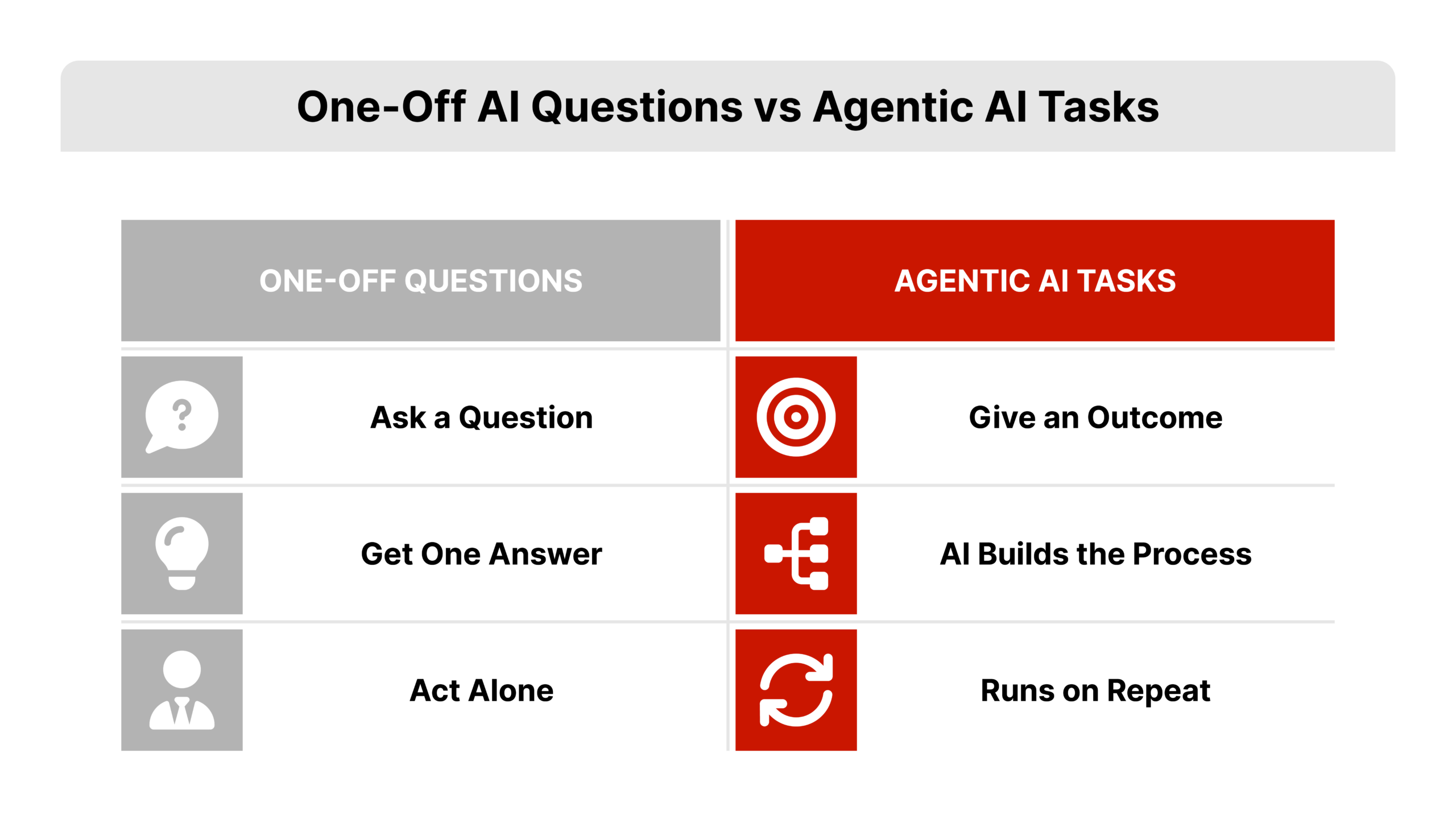
Agentic AI is AI you give a task, a role, or a recurring process to, instead of AI you ask a single question and walk away from. Fenn describes the shift as going from “do this, then this, then this” to handing over an outcome and letting the tool work out its own path.
Most agents only use the first mode. They open a chat window, ask something like “write me a listing description,” take the output, and close the tab. That is a fine use of AI, but it stops there. Agentic AI keeps going after the first answer: it can check your inbox, sort your leads, or run a process on a schedule without you re-typing the same request every time.
Fenn puts it this way: treat the tool like the smartest employee you have ever hired who has zero context about you or your business. You still have to train it, the same way you would train a new hire or a virtual assistant. You are just training it on the result you want, not a checklist of clicks.
Why Do So Many Agents Get Stuck the First Time They Try AI Tools?
Most real estate agents get stuck because they try to walk the AI through every step, the way they would walk a new assistant through a task on day one. Fenn did the same thing when he started: he would give ChatGPT a sequence of instructions, one step at a time, and get frustrated when the output was mediocre.
The turning point came from a simple correction: stop guiding it through the task, and tell it the outcome you actually want. Instead of “search for these three things, then summarize them, then format it like this,” you say “I want a dashboard that shows me X and measures Y,” and let the tool figure out how to get there.
This matters because most agents’ early AI experience is genuinely disappointing. Basic prompts produce basic, generic answers. That single bad experience convinces a lot of agents that “AI isn’t there yet,” when the real issue is the prompt, not the tool. Industry coverage from outlets like Inman has tracked this same pattern across the industry: agents try one basic prompt, get an unremarkable answer, and conclude the technology is not ready yet.
The Three Reactions Agents Have to Agentic AI
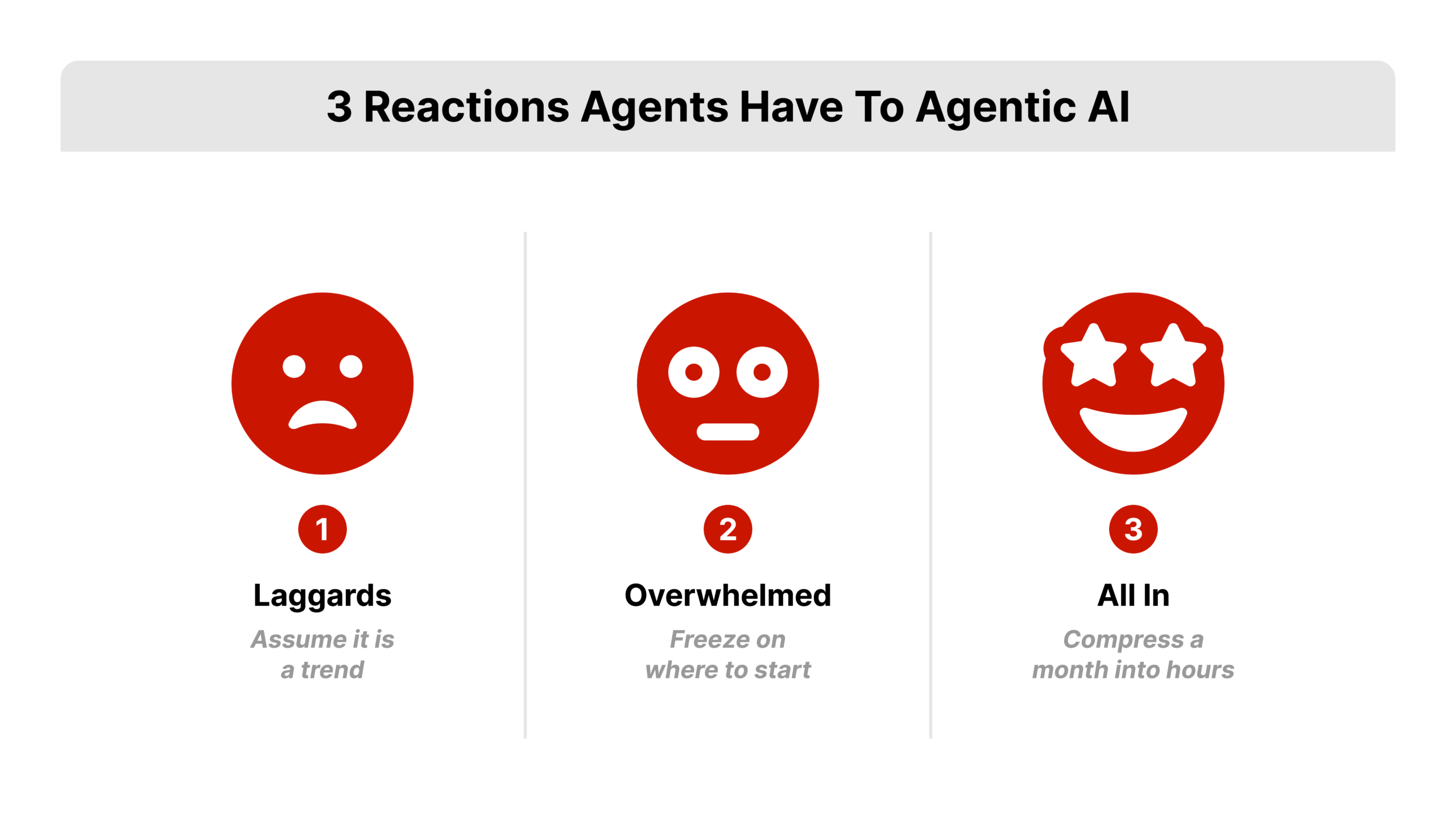
Fenn sees real estate agents land in one of three groups the first time they try agentic AI tools in their business:
- The laggards. They assume this is a passing trend, the same way short-form video or social media once looked optional. Being hesitant does not mean you are locked out, but every month you wait is a month a competitor spends building an advantage.
- The overwhelmed. They see what is possible and freeze, worried about what their job looks like in a year. This group needs a small, low-stakes starting point more than they need a big vision.
- The all-in group. They see the potential and run with it, sometimes compressing a month of work into a few hours once they understand outcome-based prompting.
Wherever you land today simply points to what kind of first project makes sense for you, not a permanent verdict on where you’ll end up.
How Do You Actually Give an AI Tool an Outcome Instead of a Task List?
You describe the result, the context, and the standard you expect, then let the tool propose the steps. This holds true across every one of the AI tools real estate agents use, whether it is ChatGPT, Gamma, or Manus. A useful comparison is how you already work with a virtual assistant: you delegate the outcome, check the work, and step in only if they get stuck. You do not stand over their shoulder narrating every click.
Two examples from Fenn’s own workflow show the difference:
- Weak prompt: “Write a property description for this listing.”
- Outcome-based prompt: “You are my transaction coordinator. Help me build a transaction coordinating system and SOP for every listing I take, from contract to close.”
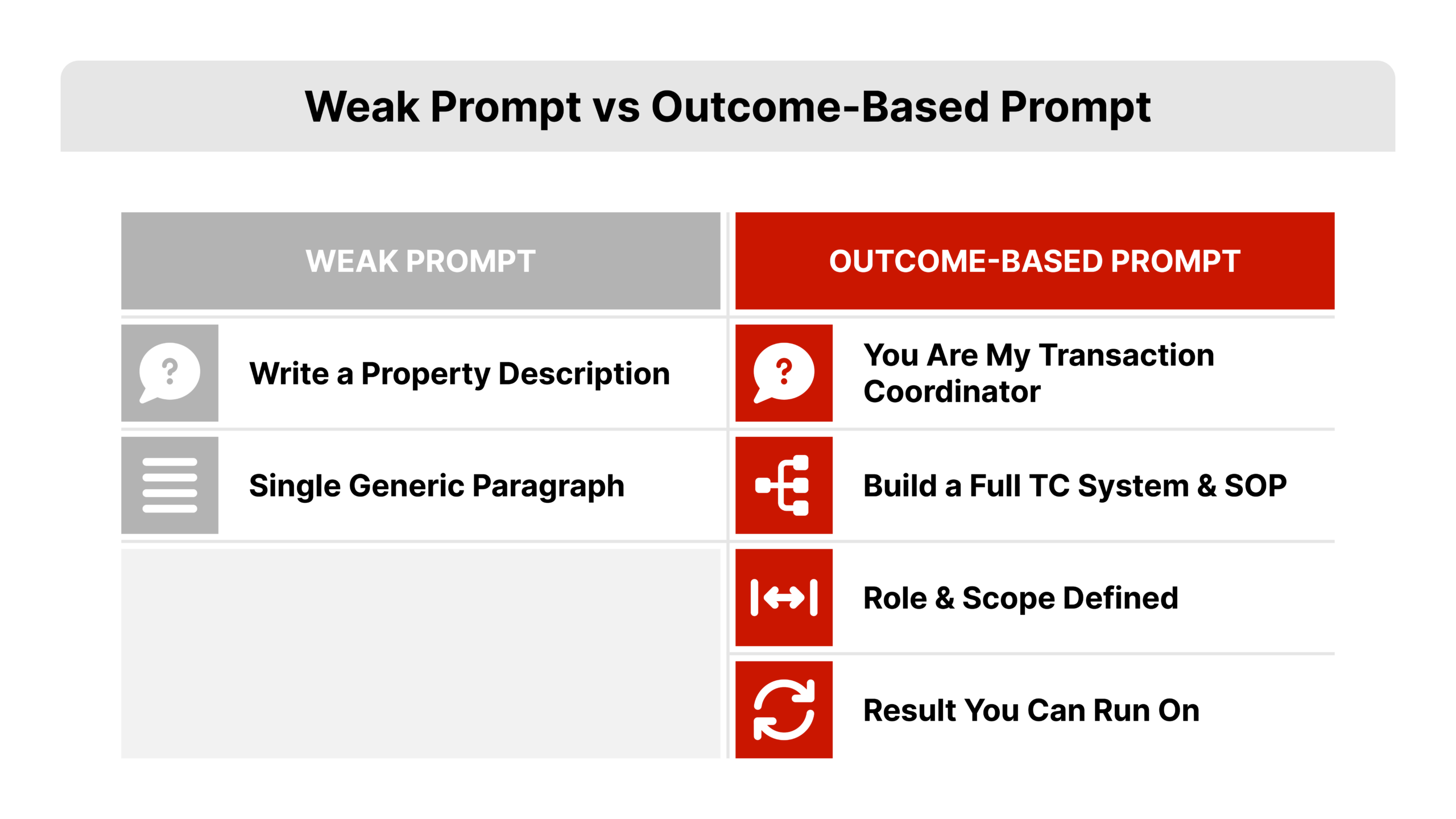
The second prompt gives the AI a role, a scope, and a result to work toward. It has room to ask clarifying questions, propose a structure, and build something you can actually run your business on, instead of handing back a single paragraph you have to rewrite anyway.
Which AI Tools Should a Real Estate Agent Start With?
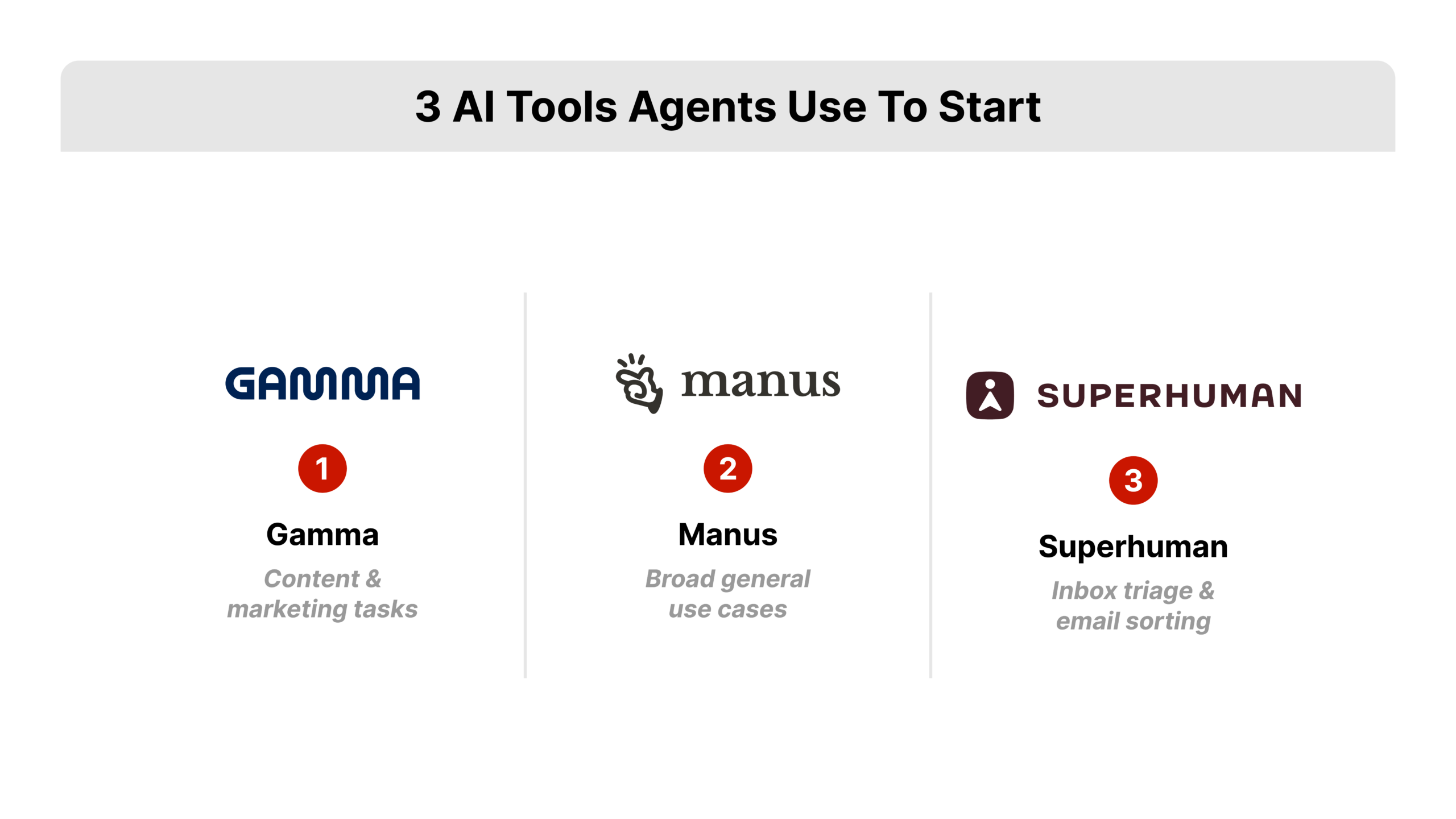
Fenn points to two AI tools for real estate agents that he personally uses, both in the $20 to $30 per month range: Gamma, which leans toward content and marketing tasks, and Manus, which handles a broader range of use cases. REDX has no partnership or affiliation with either tool. Fenn and REDX’s Preston Vawdrey simply use both personally and have found them useful starting points for agents who are not ready for a fully custom setup.
For inbox-specific work, Fenn also points to Superhuman as a strong option for AI-assisted email triage, sorting incoming messages and surfacing what actually needs a response.
The tool matters less than the prompt you give it. Whatever you pick, give it a real, recurring task from your business instead of a generic content request, since a generic request just produces a generic answer you still have to rewrite yourself.
What Recurring Tasks Can AI Tools for Real Estate Agents Actually Automate?
Agentic AI is not really about a single clever answer. It is about automation: telling a tool to do something every Tuesday at noon, or every time you send it a certain type of information, instead of asking a one-off question. Building a system once and letting AI (or a person) run it on repeat is, as Fenn points out, basically what building a business already is. The new part is that AI can now help design the system itself, not just execute it.
A few concrete examples from Fenn’s own day-to-day:
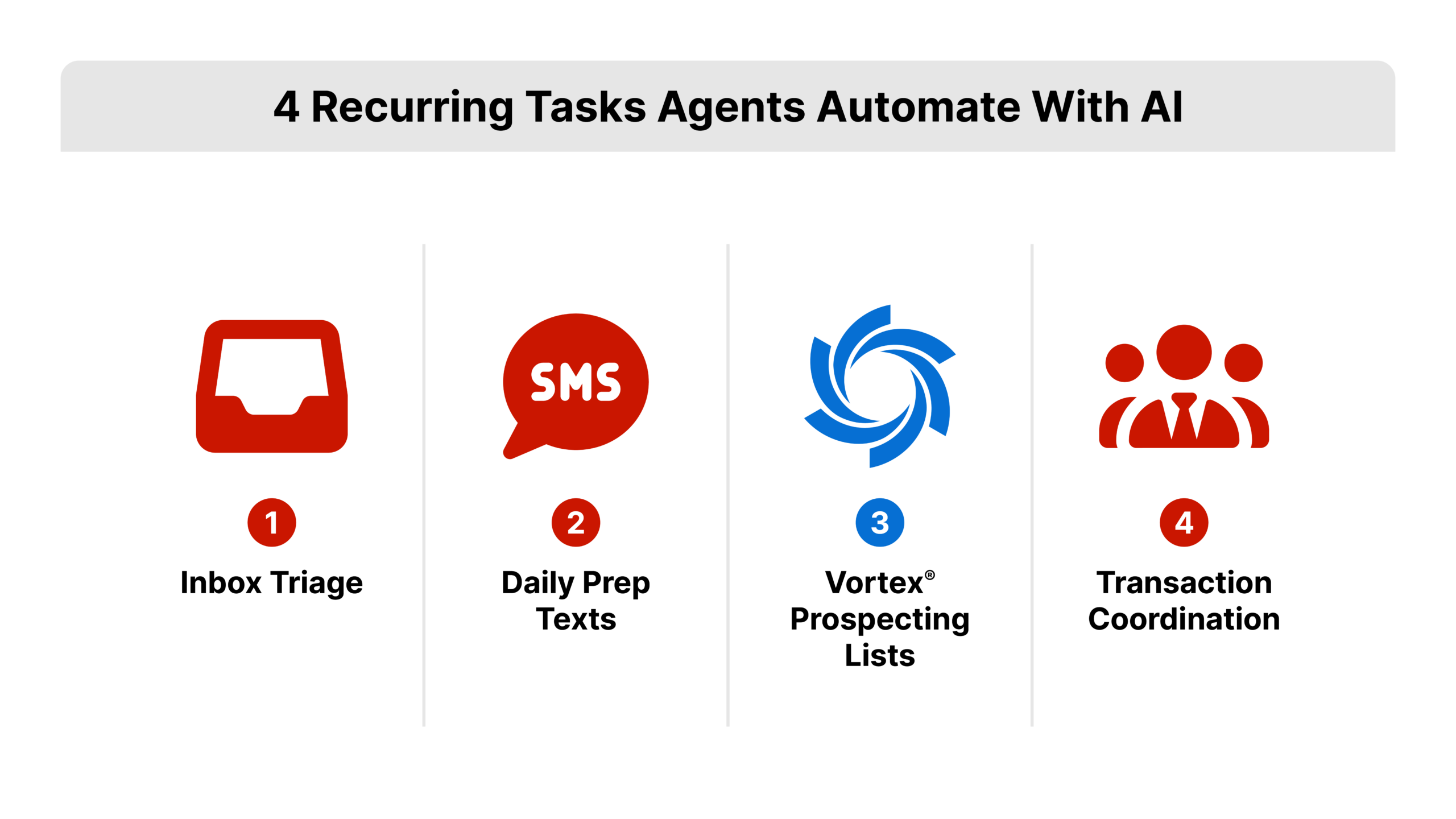
- Inbox triage. He no longer looks at his own inbox directly. His AI assistant reviews it, flags what is critical, drafts replies, and he only has to review and approve. He sends quick Slack instructions and the AI turns them into drafted or sent emails.
- Daily prep texts. Every morning at 6:45am, he gets an automated text (written to be funny) telling him whether his calendar means dressing up or staying in pajamas, based on whether he is on camera or in meetings that day.
- Prospecting list building. Fenn describes watching an agent in his office open an AI tool in “agent mode,” direct it to log into his own Vortex account, and pull expired listings in a specific zip code and price range into a prospecting folder. The agent set the filters as an outcome, stepped away, and came back to a ready-to-call list. Vortex already supports filtering leads by location, price, and date, which is what made this possible; the AI tool was simply operating the agent’s own account on his behalf.
- Transaction coordination. Other agents Fenn works with use AI agents to handle pieces of what a transaction coordinator does: managing inbox threads, sending automatic client update notifications, or feeding updates straight into a CRM.
Each of these examples started as a single mundane task that already existed in the business, not a big, complicated system built from scratch.
How Do You Pick Your First Automation Project?
Start with a task you already do that is repetitive, boring, and does not require your judgment every single time. That is the honest filter. If a task changes meaningfully every time you do it, it is a poor first candidate. If it looks nearly identical every week, it is a good one.
A simple way to run the first project:
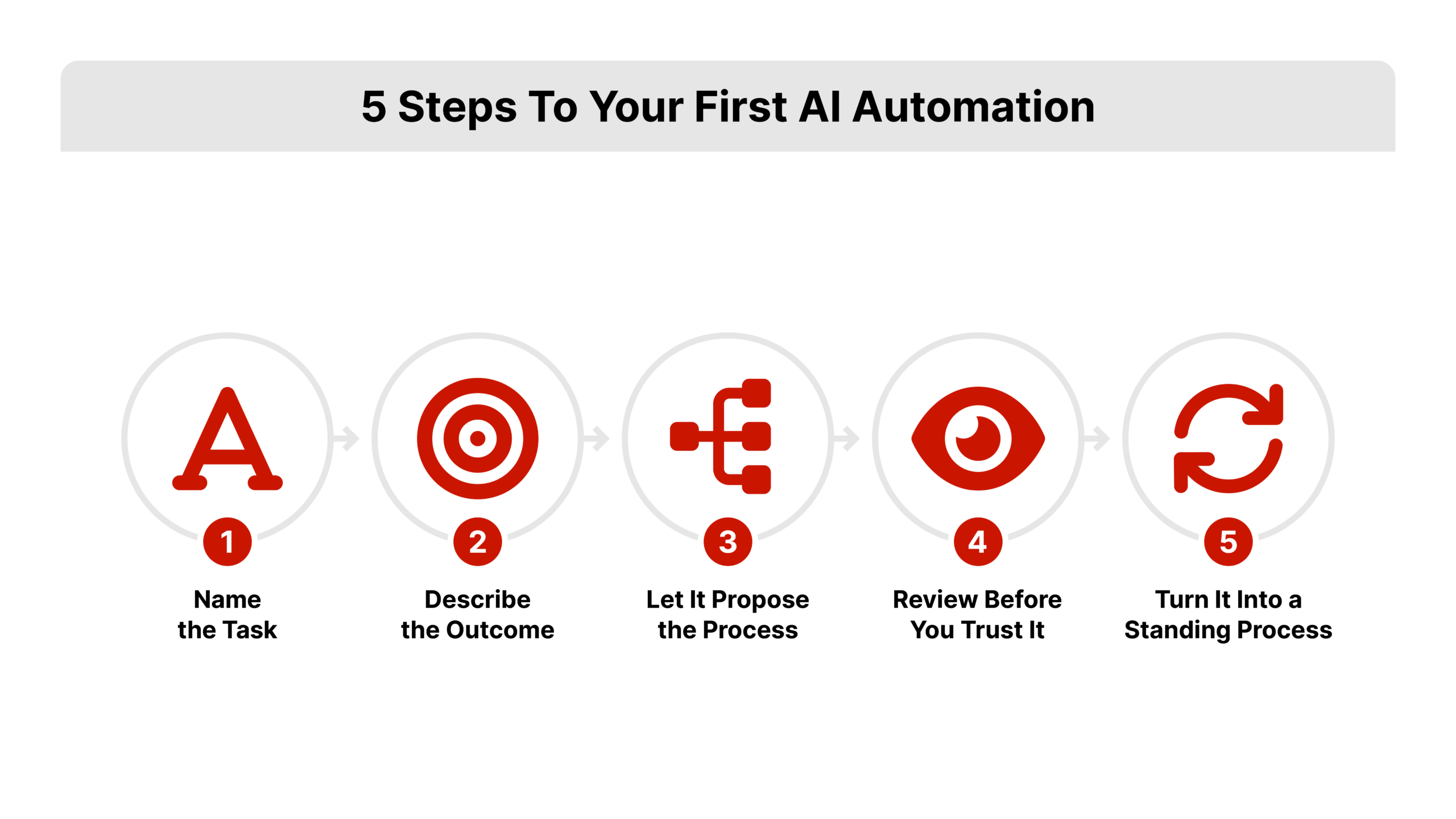
- Name the recurring task. Inbox sorting, prospecting list building, appointment reminders, and listing paperwork checklists are all common starting points.
- Describe the outcome, not the steps. Tell the tool what a finished, correct version of the task looks like, the same way you would brief a new hire on day one.
- Let it propose the process. Give it room to ask questions or suggest a structure before you correct anything.
- Review before you trust it. Treat the first few runs the way you would review a new VA’s work, checking output before you let it run unsupervised.
- Turn it into a standing process. Once it works once, tell the tool to repeat it on a schedule or trigger, so it becomes automation instead of a one-time favor.
What Should You Actually Do With This Today?
Fenn’s closing point is not that AI tools for real estate agents will replace the agent. It is that competitors are already using them to do more with less, and the gap between agents who automate and agents who do not will widen faster than most people expect. He says that after seeing what was actually possible, he realized his own goals had been too small.
Use this as a working checklist for your first 30 days with agentic AI:
- Pick exactly one recurring task from your week: inbox sorting, prospecting list building, or a piece of transaction coordination.
- Write the outcome you want in plain language, the way you would brief an assistant, not a list of clicks.
- Test it on a low-stakes version of the task first, and review everything before it touches a real client or lead.
- Once it runs correctly twice in a row, turn it into a standing, scheduled process instead of a one-off request.
- Only then add a second task. Stacking a new automation on top before the first one is reliable just creates new things to babysit.
Put a date on your calendar 30 days out to check whether the automation is genuinely saving time or just adding a new thing to manage. If it holds up, apply the same outcome-first approach to a second recurring task, since this is exactly how AI tools for real estate agents earn a permanent place in the business instead of getting abandoned after a week.