Skip to content
 Key Takeaways
- Real estate data is not a lead. Data is contact information on likely-to-list homeowners. A lead is what you have after a real conversation qualifies that data.
- Your CRM is for leads, not raw data. Dumping unqualified lists into it buries your real opportunities and drags your conversion rate down.
- Qualify by phone first. Work the data, talk to owners, and only promote the people who qualify. One agent calls this “panning for gold.”
- Clean as you go. A tight database of qualified contacts beats a giant list of maybes every time.
You buy leads, work them a while, push a bunch to your CRM, and all of a sudden your CRM is full of junk and you cannot tell what’s gold and what’s just dirt. If that sounds familiar, you are probably confusing real estate contact data with real estate leads.
This guide breaks down real estate data vs leads with John Padgett, a Coldwell Banker agent in the Myrtle Beach, South Carolina area who built a thousand-contact database over 10 years by respecting that difference. On the REDX podcast, he compared the whole process to panning for gold, and his filter is simple to copy.

Co-authored by the REDX Publishing Team and:
John Padgett
John Padgett is a Coldwell Banker agent in the Myrtle Beach, South Carolina area who built a thousand-contact seller database through consistent prospecting over 10 years.
Quick Links:
- Real Estate Data vs. Leads: What Is the Difference?
- Why Does Dumping Real Estate Data Into Your CRM Backfire?
- How Do You Turn Real Estate Data Into a Qualified Lead?
- What Belongs in Your CRM, and What Should You Delete?
- How Often Should You Touch Your Qualified Database?
- How Do You Put the Data-to-Lead Filter to Work This Week?
Real Estate Data vs. Leads: What Is the Difference?
Data is raw contact information. A lead is data you have qualified through a conversation. One is a starting point, the other is a person who is ready to talk business.
When you pull expired listings, FSBO Leads, or GeoLeads, you are getting accurate contact data on homeowners who are statistically likely to sell. That is not the same as a warm lead. As the REDX team puts it, it is not a lead until it is qualified. REDX even stands for Real Estate Data Exchange, and that word “data” is the whole point.
The platform aggregates that data and hands you the opportunities. Your job is to work through it and find the people who actually want to move. Everything else is sand you have to sift out first.

Why Does Dumping Real Estate Data Into Your CRM Backfire?
Because a CRM is a nurture tool, not a qualification tool. Fill it with unqualified real estate data and you spend your time nurturing people who will never list.
Agents do this constantly. They download a data set and mass-push every record into a CRM because nurturing feels easier than prospecting. The result is a bloated database that converts more like a cold internet list than a real pipeline.
Unqualified data also hides your real opportunities. When 900 dead records sit next to 100 motivated sellers, your follow-up gets spread thin and the good contacts get the same generic drip as everyone else.
Your prospecting time is valuable too. Agents earn roughly $1,456 an hour working seller leads versus about $320 an hour on buyer leads, according to Redfin, so hours spent nurturing data that will never list are expensive.
How Do You Turn Real Estate Data Into a Qualified Lead?
Real estate data is just data until you do something to turn it into a lead, and that something is a conversation. You cannot qualify a name by looking at it. It only becomes a lead once you talk to the person behind it.
The Questions That Reveal Intent
The simplest way to qualify someone is to ask the questions that reveal intent. When are you thinking about making a move? What has you considering it? Their answers tell you fast whether you are holding a real lead or just another name.
The best way to start those conversations is by phone or in person. We will not run through full scripts here, there is plenty of content on prospecting for that, but the principle does not change: the conversation is the filter.
The Five-Step Workflow in Vortex
John Padgett has a picture for this. He treats his lead data like a river he already knows holds gold, and prospecting is how he pans for it.
“I go to a river that I know has gold in it and I pan for the gold,” John said. “Once I find it, I transfer it into my purification process, which is my CRM. I refine it so it keeps producing pure gold.”
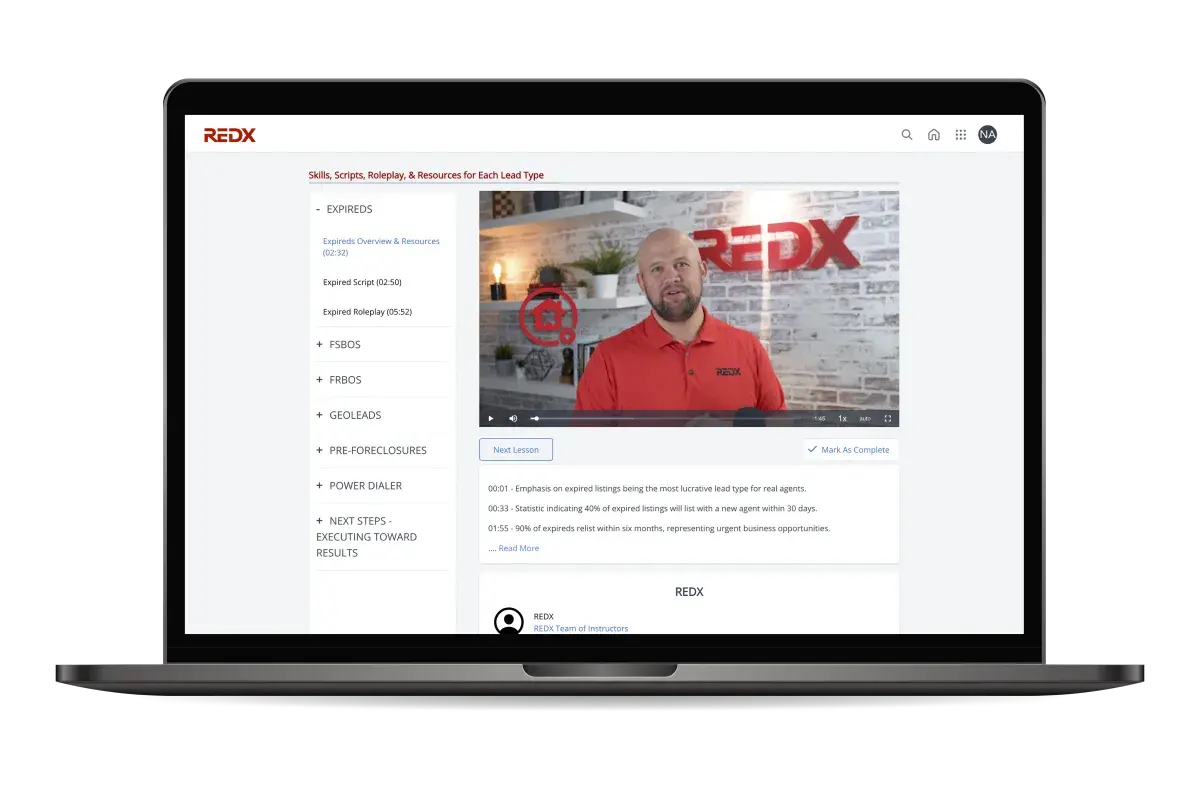
Here is the workflow he runs inside Vortex, the lead manager that holds his data and his notes in one place:
- Pull the day’s data. Load your new expired, FSBO, or GeoLeads records into one prospecting list.
- Work it fast. Select the full list and let the Power Dialer move you through numbers quickly so you talk to more owners in less time.
- Have the conversation. When a real owner answers, you learn fast whether there is a deal now, a deal later, or a dead end.
- Log every note. Record what you learned right after the call so nothing lives only in your head.
- Promote the gold. Move qualified people into your CRM, then clear the worked data out of the way so you never dial it twice.

The Step Most Agents Skip
That last step, clearing the worked data out of the way, is the one most agents skip. A qualified conversation earns someone a place in your CRM, and everyone else stays in the prospecting pile until they earn it too. Which raises the next question: once contacts are in your CRM, who actually belongs there?
What Belongs in Your CRM, and What Should You Delete?
Only people you have actually spoken to and qualified belong in your CRM. Unworked real estate data is clutter that waters down your nurture.
John’s CRM holds just over a thousand contacts, and every one earned its spot. “I didn’t just empty my phone contacts into there,” he said. They are past clients and people he has personally prospected and verified.
He also cleans it constantly. When a number changes or a contact goes cold with no way to reach them, they get deleted. A tight database of qualified contacts is worth far more than a giant list of maybes. Your sphere of influence converts to a listing at 3 to 5%, and a clean, qualified database behaves like a sphere you built on purpose.

How Often Should You Touch Your Qualified Database?
Monthly, at a minimum, with a mix of calls, texts, and mail. Consistency is what turns a qualified database into repeat and referral business.
John tags his database by month, pulls that month’s group, and divides the count by the weeks in the month so he knows his daily touch target. Some contacts get a call, some get a text, some get a mailer, based on the relationship.
That discipline compounds. One qualified investor he stayed in touch with led to a mailer campaign that produced 12 to 15 transactions in a single community. The gold was sitting in the data the whole time. Working it and refining it is what turned it into commission.
How Do You Put the Data-to-Lead Filter to Work This Week?
Winning the real estate data vs leads game in 2026 starts with separating the two jobs on your calendar: time to qualify data, and time to nurture leads. When those blur together, your CRM fills with the wrong names.
Run every new record through this filter:
- Block a daily prospecting session to work new data by phone before it ages out.
- Keep raw data in your prospecting platform, not your CRM.
- Promote a contact to your CRM only after a real conversation qualifies them.
- Archive or delete data you have worked and disqualified so you never repeat it.
- Set a monthly touch cadence for everyone who makes it into your CRM.
- Re-qualify and clean your database as you go, deleting dead contacts on sight.

Run every record through that filter and your CRM stops being a pile of maybes. It becomes a working list of real estate leads who are genuinely worth your follow-up, which is exactly where your commissions come from.